
One incident with a social trail
Build the mishap around the party and established facts. Prepare witnesses, reactions, spread and practical consequences together.
Player & progression
A memorable mishap.
A story that travels.
A way to live it down.
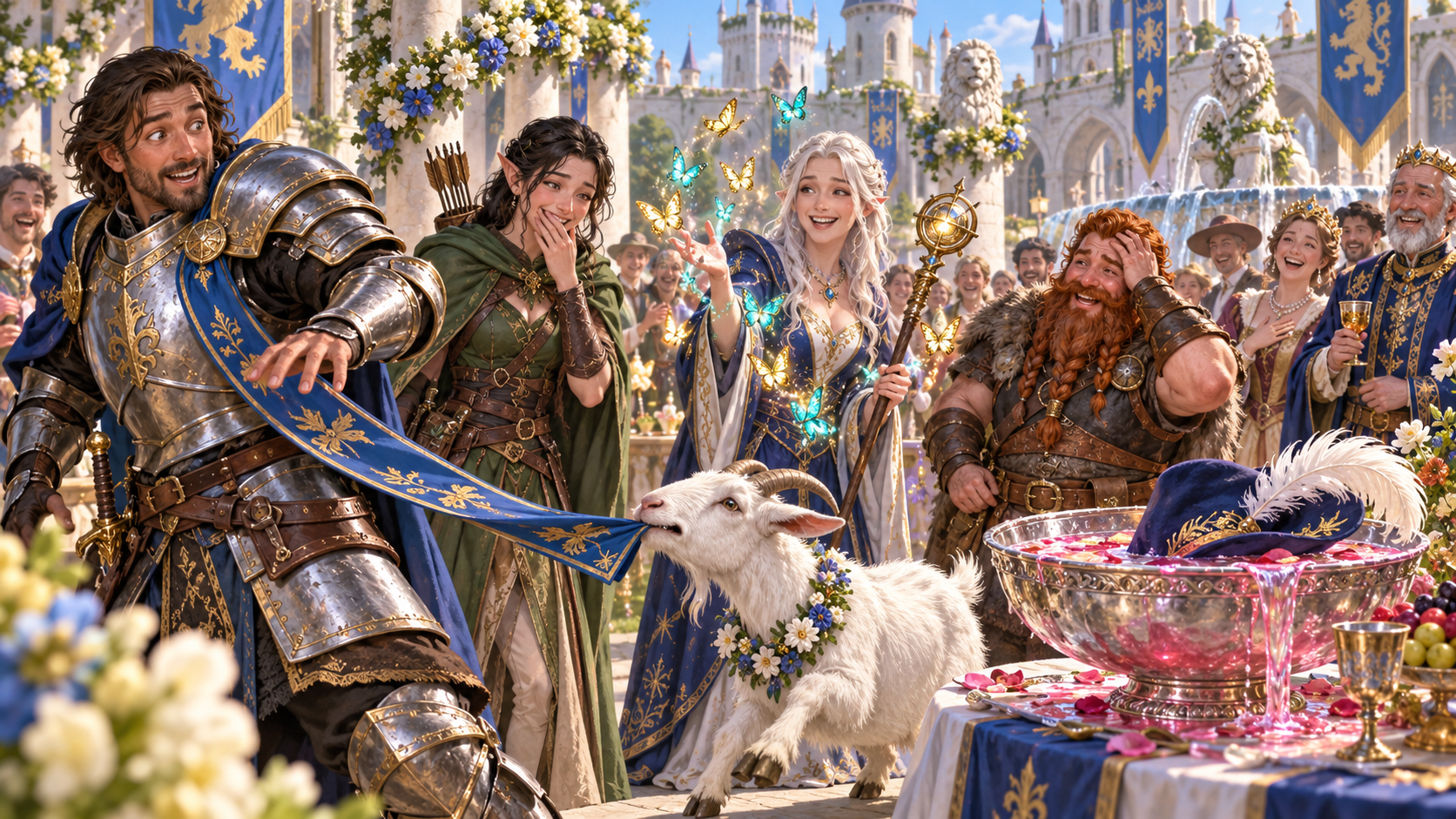
Kind humour and useful consequences
Prepare the awkward moment and the choices that follow.
Build the mishap around the party and established facts. Prepare witnesses, reactions, spread and practical consequences together.
Offer two ways to live it down and two story hooks. Keep the humour kind and let the players choose how their characters respond.
Blunders, magic and troublesome animals
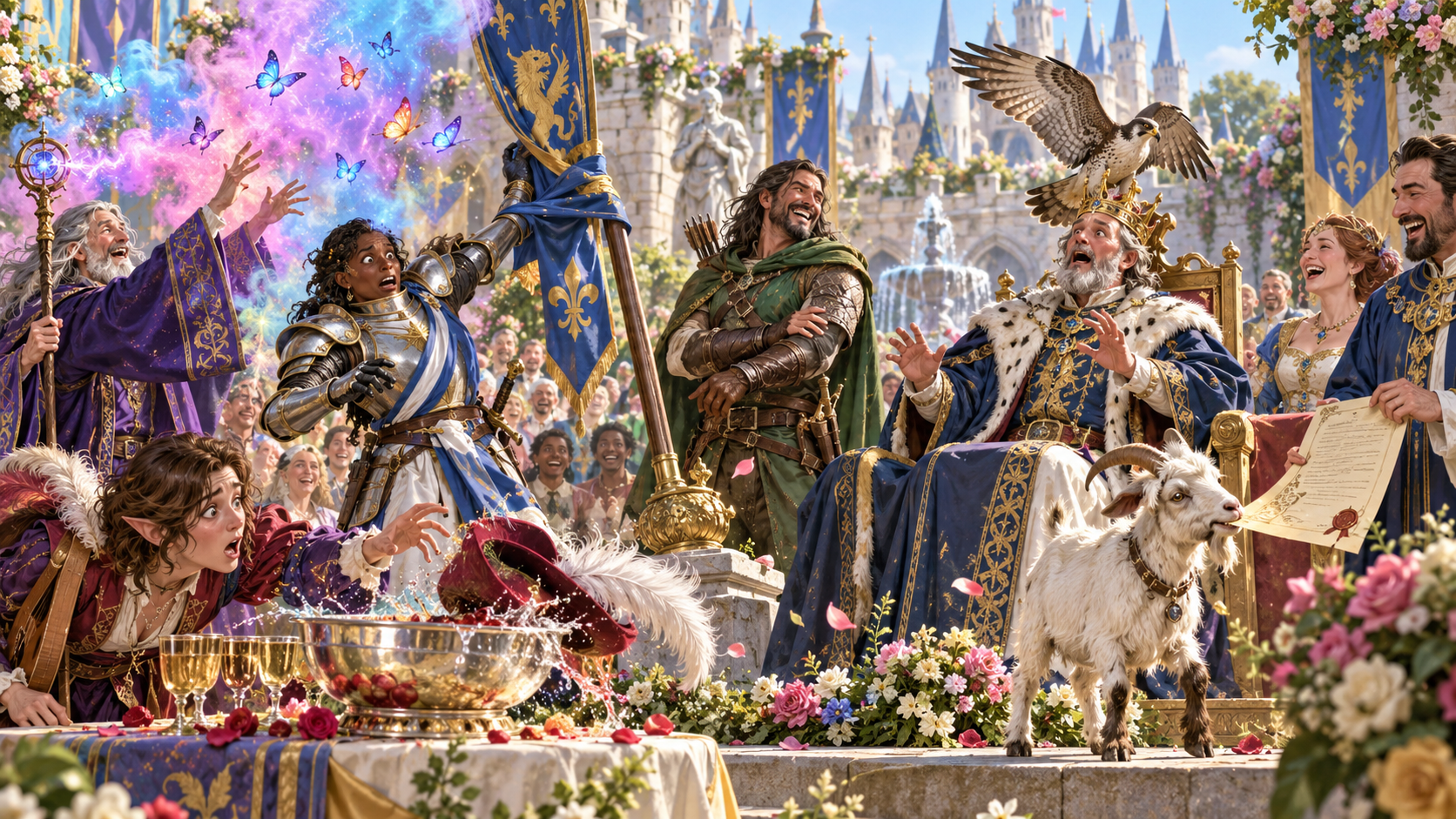
A royal courtyard fills with colourful butterflies as a wizard casts. A knight’s sash catches on a standard, a hawk hovers above the king and a plumed hat splashes into the punch bowl beside a goat.
Choose the kind of mishap, severity and tone. Connect the cause to the supplied party facts, then decide who witnesses the awkward moment and how they react.
What you can prepare
Give the embarrassing moment a practical place in your next scene.
Start with the party members, established facts, location and tone. Prepare an embarrassing incident that fits what has happened at your table.
Choose a small blush, awkward moment, proper embarrassment, public humiliation, scandal or disgrace told for generations. Match the severity to your group.
Use a social blunder, wardrobe disaster, spell gone wrong, mistaken identity, failed boast, troublesome animal, broken local custom or terrible performance.
Choose who saw it: the party, almost nobody, locals, a noble, a rival, a crowd, a bard or someone important. Prepare their immediate reaction.
Describe how the tale spreads and grows. Keep practical consequences connected to the incident, witnesses and established facts.
Prepare two recovery options and two story hooks. Give the characters useful openings while leaving every response and choice to the players.
Quick starts with party, location, severity and tone. Deep adds mishap type, witnesses, a party event, things to avoid and private context.
Keep table tips beside the scene and a separate Dungeon Master note for preparation. Review the intended audience before sharing material.
Lock, change and edit individual sections. Save and reopen versions, or duplicate a result to explore a variation of the mishap.
Choose the complete Dungeon Master dossier or player-facing party note. Check the audience and contents before copying, exporting JSON or printing.
Witnesses and the story’s path
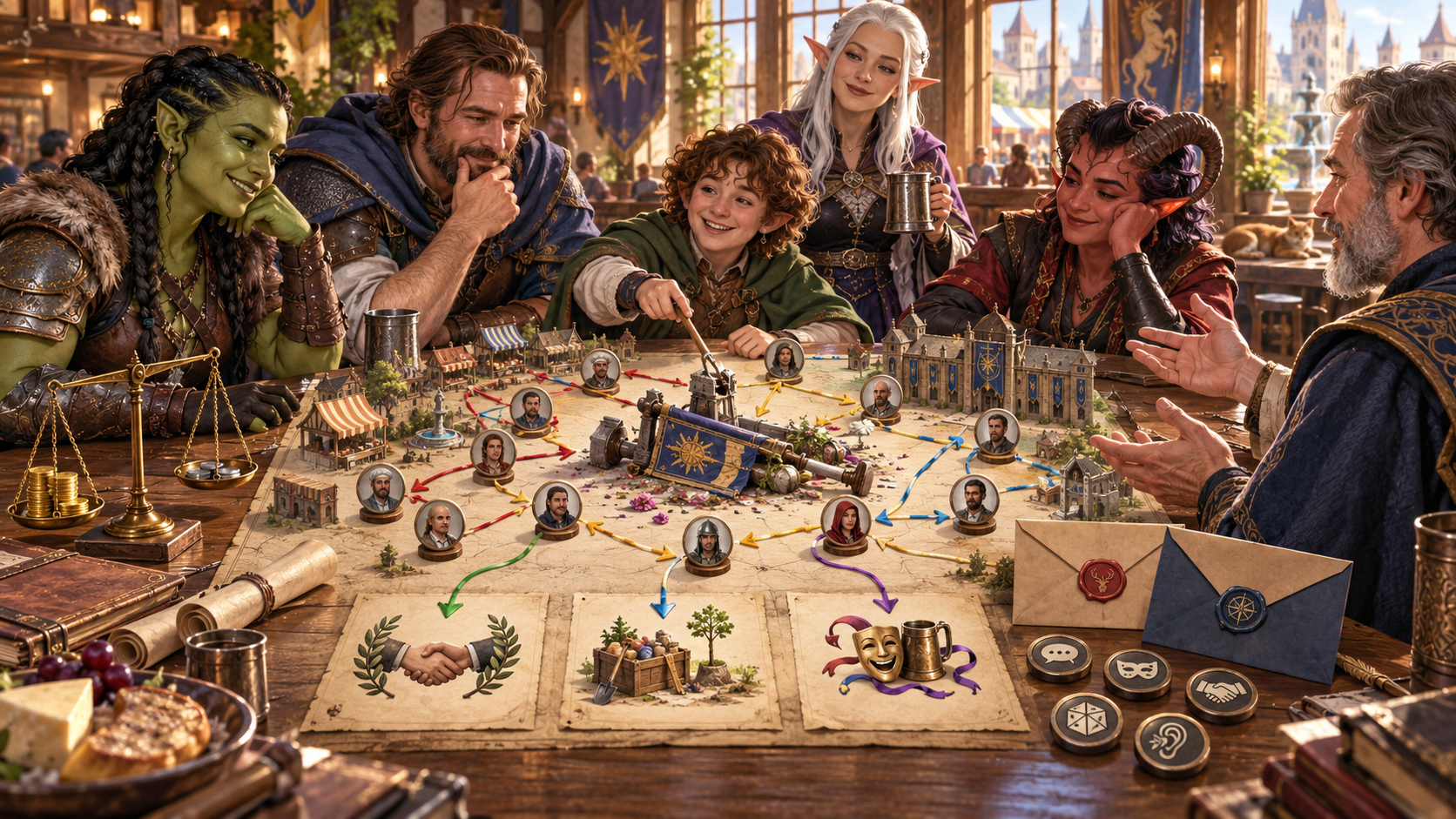
Adventurers review a map with witness portraits and coloured routes. A handshake, food crate, masks and sealed envelopes show how the story travels.
Prepare witnesses, reactions and spread together. Review consequences, recovery options and hooks before bringing the incident to your table.
Quick or detailed preparation
Choose how much context this mishap needs.
Name party members and supply established facts, location, tone and severity. Ground the incident in the campaign.
Use Deep preparation to select the kind of blunder and who saw it, from almost nobody to a crowd or important person.
Supply a party event, things to avoid and private context. Keep the humour suited to the people at your table.
Read the mishap, reactions, spread, consequences and recovery options together. Edit the preparation before playing the scene.
Recovery and shared laughter
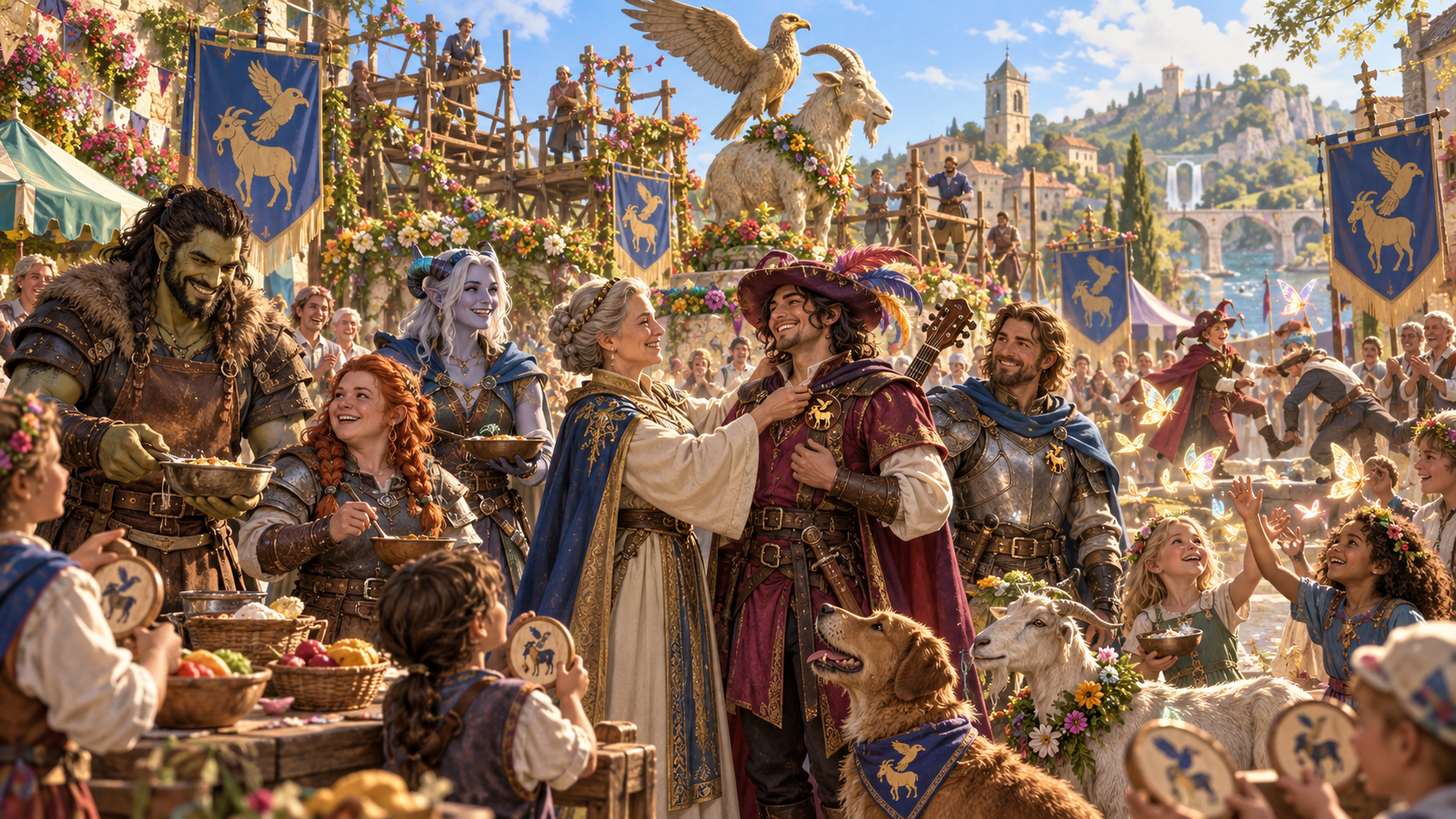
At a bright festival, adventurers share laughter and food. A woman adjusts a bard’s feathered hat, companions stand beside a dog and garlanded goat, and children gather around colourful butterflies.
Use the two recovery options, two hooks and roleplaying tips as openings for another scene. The players decide how to respond, put things right or live with the story; the Dungeon Master adapts the consequences.
Refine, revisit and share
Save your preparation and choose its audience.
Lock, change and edit sections while shaping the mishap and its consequences. Review retained text alongside each change.
Save and reopen the incident with its witnesses, spread, recovery options, hooks and tips. Duplicate a result to explore a variation.
Keep the complete preparation together, including private context and the Dungeon Master note. Copy, export JSON or print for your own use.
Choose the party note when sharing at the table. Check the intended audience and contents before sharing, especially after manual edits.
Your workspace and related products
Open VISINVOKE products through your account.
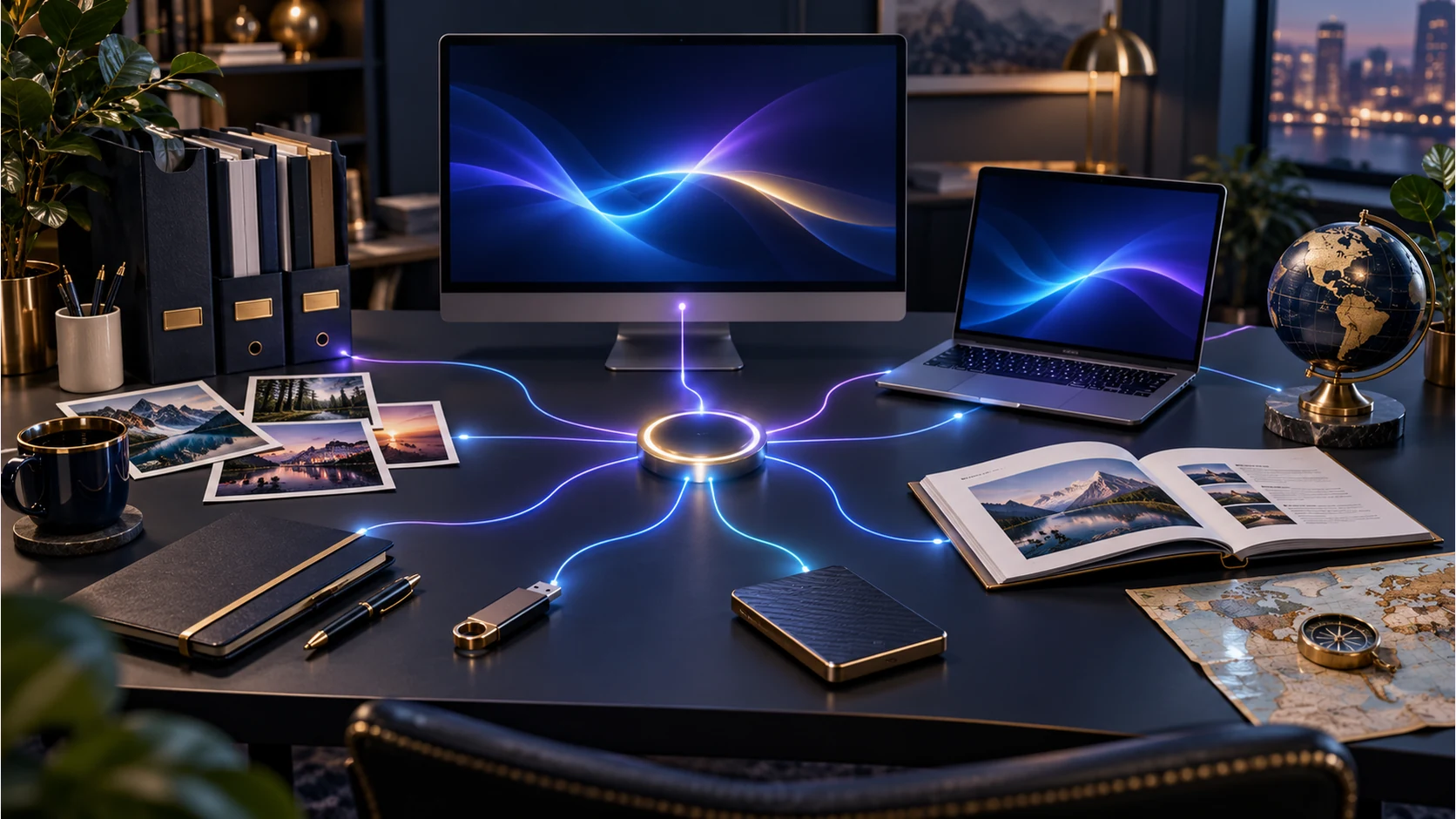
Open Party Embarrassment in the Generators collection of your signed-in desktop workspace. Prepare, refine and export the incident from the same product home.
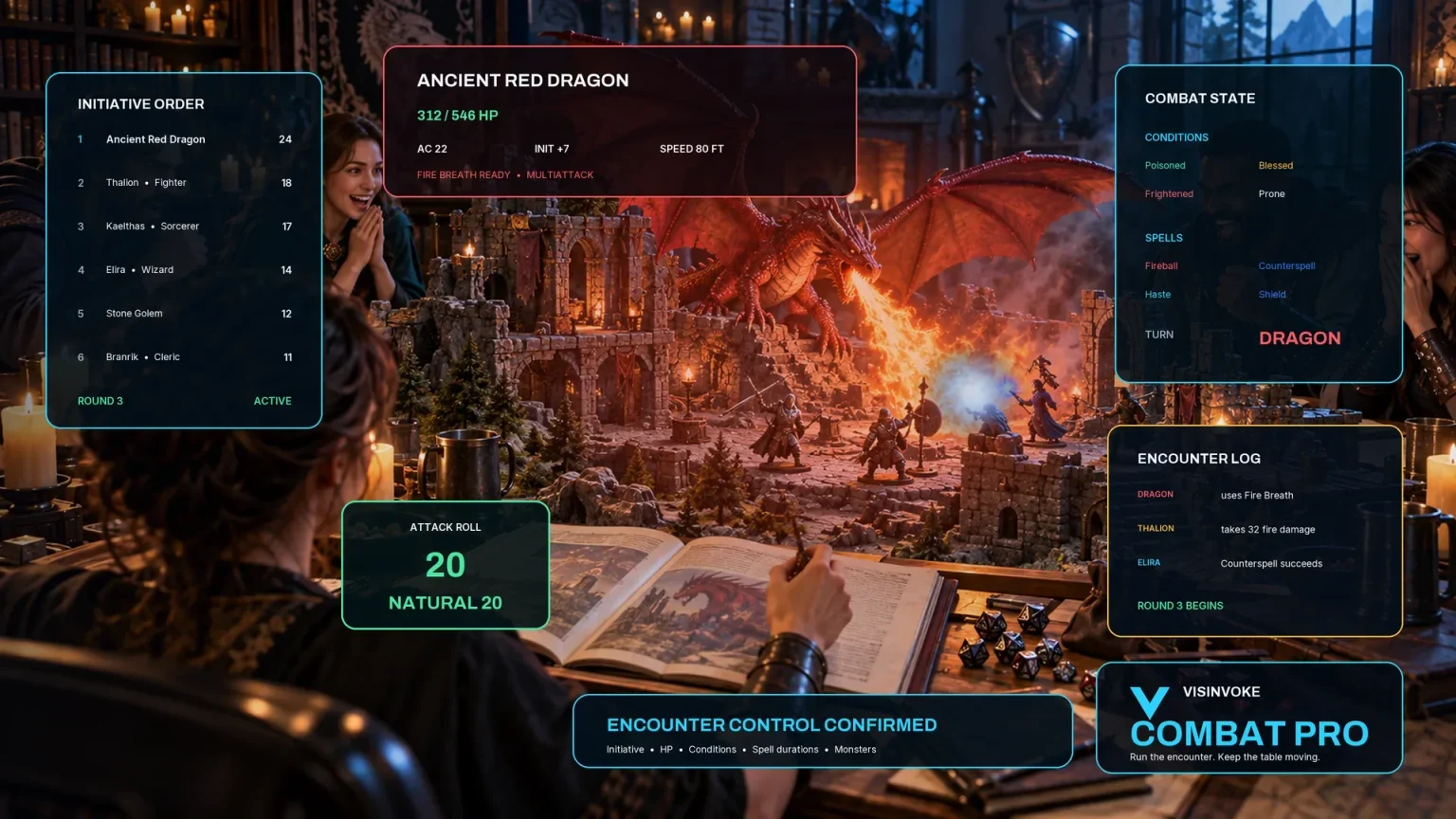
Use the separate encounter workspace when preparing combat. Party Embarrassment prepares an incident and social consequences, leaving reactions and recovery with your table.
Images are product illustrations. Prepared mishaps and recovery options leave player choices open.
Questions and answers
Preparation, refinement and sharing at a glance.
One embarrassing incident with party facts, severity and tone, witnesses, immediate reaction, spread, practical consequences, two recovery options, two story hooks, roleplaying tips and a private Dungeon Master note.
Social blunders, wardrobe disasters, spells gone wrong, mistaken identity, failed boasts, troublesome animals, broken local customs and terrible performances. Choose the severity and tone to suit your table.
Quick uses party members, location, severity and tone. Deep also supplies mishap type, witnesses, something that happened to the party, things to avoid and private context.
The players choose their characters’ reactions and recovery. Keep the humour kind, laugh with the characters and use the prepared recovery options as invitations.
Lock, change and edit sections, save and reopen versions or duplicate a variation. Copy, export JSON or print the full Dungeon Master dossier or player-facing party note. Review the audience and contents after changes.
Create a free VISINVOKE account or sign in, get Desktop Control Centre through your account installer page and open Party Embarrassment in the Generators collection. View current subscription details in your account.
Continue in VISINVOKE
Create a free VISINVOKE account or sign in to your existing account. Get Desktop Control Centre through your account installer page.
Open Party Embarrassment in the Generators collection. View current subscription details in your account.